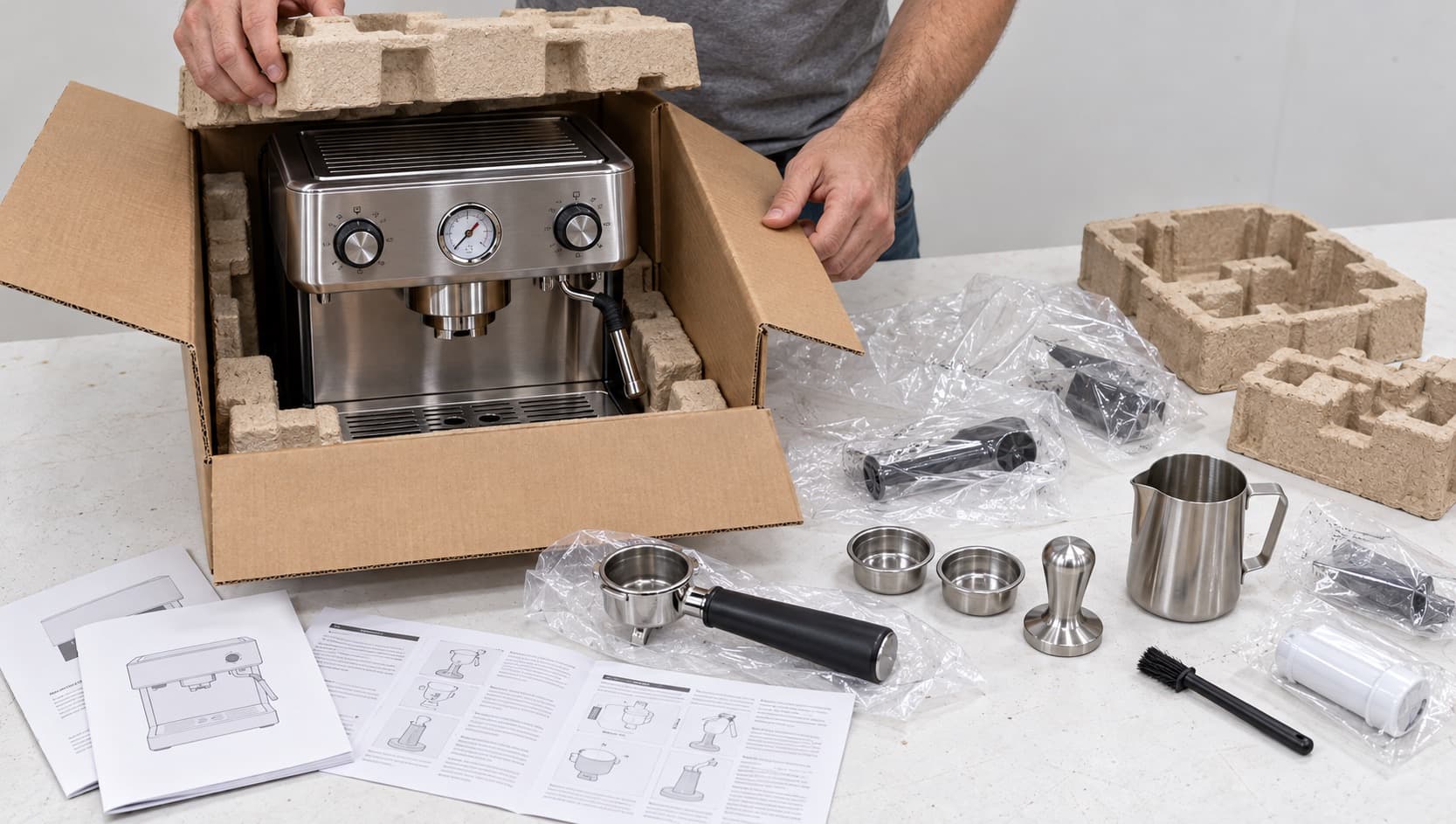


This is the tour we give friends. Bidvana sells returns and overstock from major retailers, every unit opened and photographed, most of them inspected and scored by a person, all of them delivered to your door. The shop is built so that the condition of a unit is never a surprise, but that only helps if you know where to look. Here is the whole thing in seven steps, roughly in the order you will use them.
1. Start at the shop
Everything for sale lives at Shop. The default order is Recommended: a mix of how recently a listing arrived, how deep the discount is and what other shoppers are looking at. Switch to Just listed to see what came in most recently, or Best savings to sort by percent off retail. Price low to high is there too, and it is the quickest way to find an impulse buy.
On a desktop, the category bar sits under the header. On a phone, open Filters and pick a category there. Choosing a category shows everything inside it, subcategories included, and you can add more than one, so Kitchen plus Small appliances is a single view.
Search forgives typos. Type what you are after, and if nothing matches exactly the shop shows the closest matches instead of an empty page. Brand names, product types and the words on the box all work.
2. Read the card before the price
Every card shows the product photo, the name, then the condition as only what is not perfect. A unit with nothing wrong shows no condition chips at all, which is the point: the card tells you the exceptions, so you do not have to read a paragraph to learn that a sealed box is sealed. The badges you will see:
- Bidvana Best. The blue shield. An inspected unit with no marks, fully working, spotless, and complete or missing only something trivial. The closest thing to new.
- Condition chips. One chip for each facet that scored below perfect, in the inspector’s own words: Faint marks, Works, minor quirk, Missing a minor accessory, Retail box, worn. Green is minor, amber is worth a look, red is a real fault. Press a chip for all five scores.
- Not inspected. Listed straight from the receiving dock with the retailer’s condition assessment and no facet scores yet. We stand behind it the same way.
- Final sale. Orange. A major fault, a crack or a missing core part, priced accordingly, and not returnable.
- Free shipping. Green. That item ships free on its own.
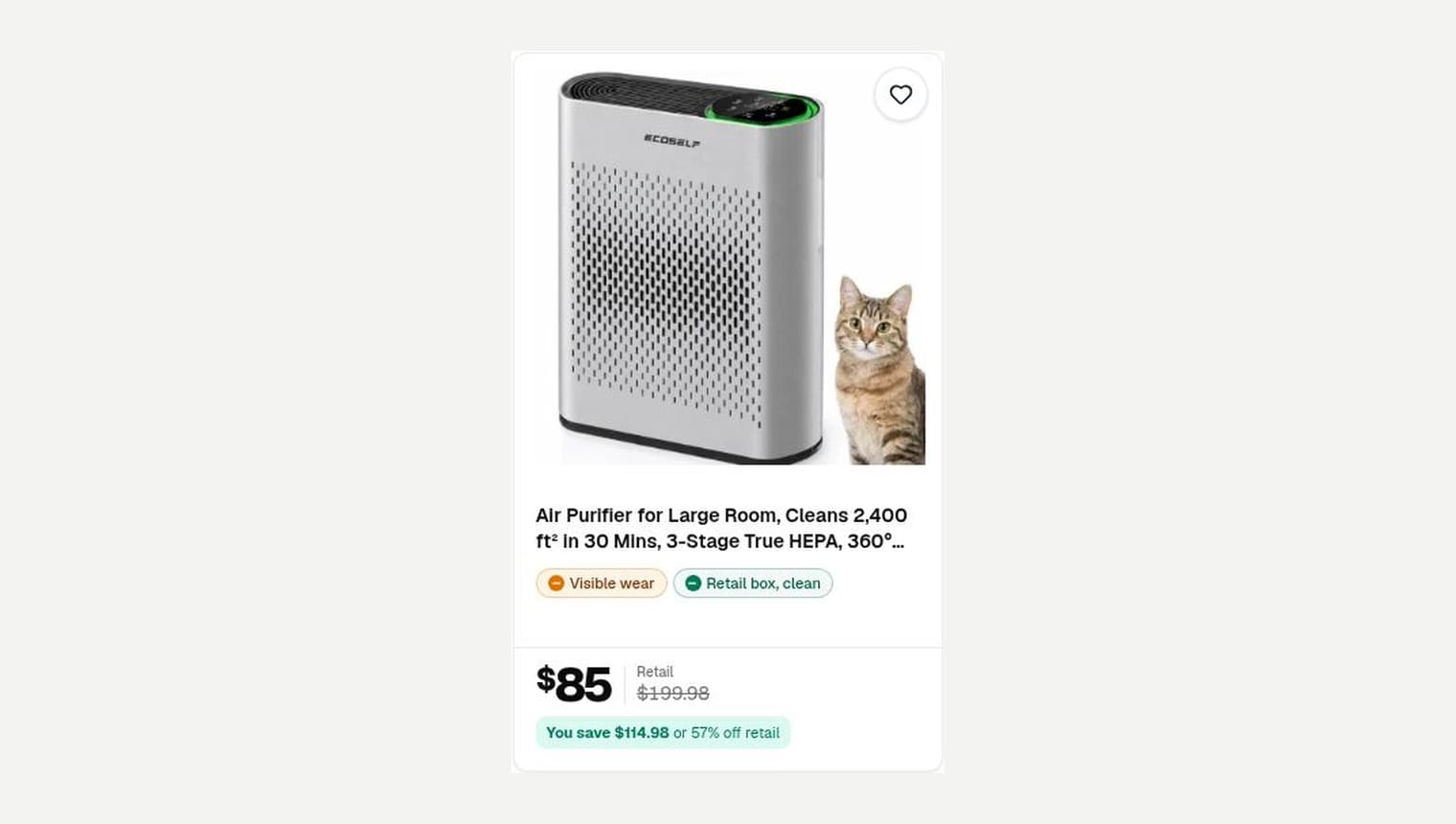
The price that is crossed out is the retail price we last checked, not a suggested retail price. We aim to refresh it every few days, so the savings figure moves with the market rather than with a number printed on a box in 2024.
3. Narrow it down
Open Filters. The ones worth knowing, roughly in the order they appear:
- Inspected and Bidvana Best, when you want the sure things.
- Condition. Cosmetic, Functional and Completeness each take a floor: 3+, 4+ or 5, with the word for that score shown under the number. A minimum only matches units where that facet was scored, so a unit nobody has assessed never sneaks in as a 5.
- Retail box included and Factory sealed, which matter for gifts.
- Price and Retail price. The second one is useful when you want a certain tier of product, not just a certain spend.
- Availability. For sale now, or include items still awaiting inspection.
A worked example. You want a stand mixer as a wedding present. Pick the Kitchen category, tick Factory sealed, and sort by Best savings. Every result is a sealed box at a discount, and the one with the biggest discount is at the top. If nothing sealed is in stock, drop that filter and set Cosmetic to 5 and Completeness to 5 instead: an open box with no marks and everything present, which most recipients will never distinguish from new.
Every filter becomes a chip above the grid. Tap its x to remove it. Hide item on any card removes that unit, every unit of that product or a whole category from your results, and you can bring any of them back from the Filters panel. Hidden items stay hidden across visits once you are signed in, so the shop slowly becomes yours.
4. Open the listing
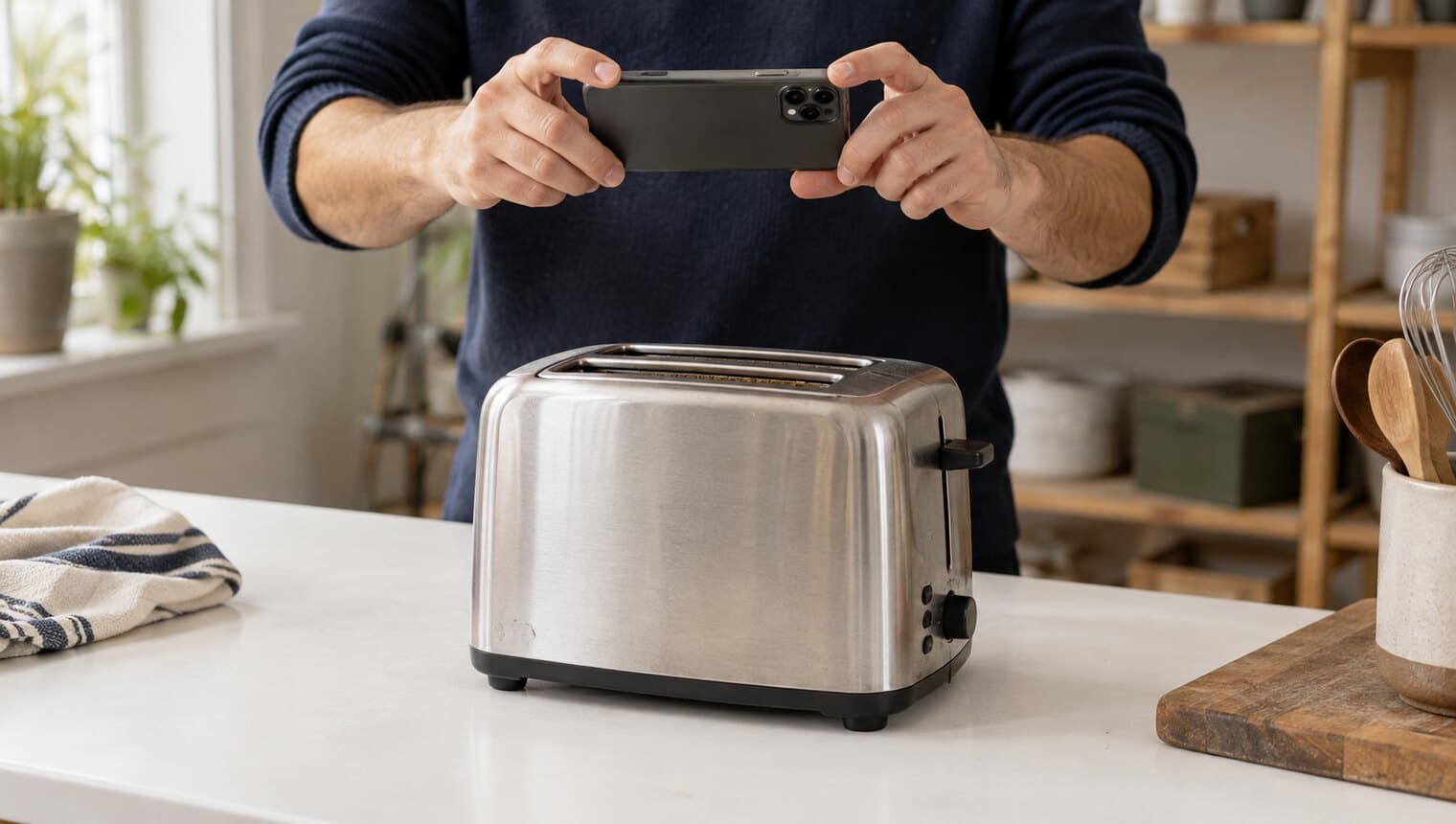
The product page is where the inspection lives. On an inspected unit you get photos of the exact unit you will receive, the five facet scores, the inspector’s notes and the full report card. Read the notes. They are written by the person who held the unit, in their own words, and they tend to say the useful thing: which corner has the scuff, which accessory is missing, whether the power cord was in the box.
Below the report are the product details from the retailer: specifications, the description, the retail rating. On every unit, inspected or not, you also get the shipping price for that item and how far your cart is from free shipping. Nothing about the price is hidden until checkout.
Two signals can appear near the price: In N other carts, and Someone is checking this out. They are literal facts, never invented, and they vanish when there is nothing to report. If you do not see them, nobody else is looking.
5. Coming soon? Save it or request an inspection
An item marked Coming soon is in our warehouse awaiting inspection. It shows its price and details, but the buy buttons are off until a technician has been through it. Two things you can do:
- Save item puts it in your account’s Saved items, where you can see when it goes on sale.
- Request Inspection asks us to open that unit next. It can take up to 24 hours. The price will not go up after inspection; it may come down if the condition falls below our standards.
Both need a free account, which takes about a minute. Requests are the main thing that decides what we inspect next, so if you want something, say so. There is no cost and no obligation to buy once it goes live. Why some items say Coming soon has the full story.
6. Buy now, add to cart or make an offer
Buy now takes you straight to checkout for that one item. Add to cart builds an order out of several. Cart items are not reserved and show the live price, so nothing is held until you press Continue to checkout, which reserves every item in your cart for 15 minutes while you pay. If someone else buys a unit while it sits in your cart, the cart tells you so, and you can carry on with the rest.
Make offer lets you name your price. You get one offer per item, so make it count. A person on our team accepts, counters or declines, and an accepted offer holds that price until it expires. Your Offers page keeps track. The offers that get a yes tend to point at something on the report card: a worn box, a cleanliness chip, a missing minor accessory. A number with a reason is easier to agree with than a number alone.
7. Checkout, delivery and after
You need a free account, a delivery address in our area and a card. You set those up once; after that, checkout is a review screen and a Pay button. Every order ships to your door within 3 business days with tracking by email. Shipping is a flat rate per item by size, and free once your cart passes the threshold, however many items are in it. What happens after you order walks through the rest, box by box.
Bidvana Rewards earns one point per dollar on eligible purchases, posted after the return window closes. 100 points is $1 in store credit toward your next order. The Rewards guide has the details and a worked example.
Habits of people who find the best deals
- Check Just listed a couple of times a week. The best units are not on sale long, and the Recommended sort takes a little while to catch up with a new arrival.
- Save freely. Saved items cost nothing, and the list is where you will notice a Coming soon item turning live.
- Request inspections on anything you actually want. It is the fastest way to get a specific unit opened and priced.
- Read the chips, then make an offer. A unit with an amber chip and a price that has not moved is the best offer candidate in the shop.
- Fill the cart to free shipping. Two items you want for the price of one delivery is the cheapest way to shop here.